Premium Ultra-Tough ND Filters - GoPro Mission 1 / 1 Pro
Premium Ultra-Tough ND Filters - GoPro Mission 1 / 1 Pro
Couldn't load pickup availability
Cinema-grade optical neutrality with a tough build made for real action use.
GoPro Mission 1 / Mission 1 Pro ND Filters
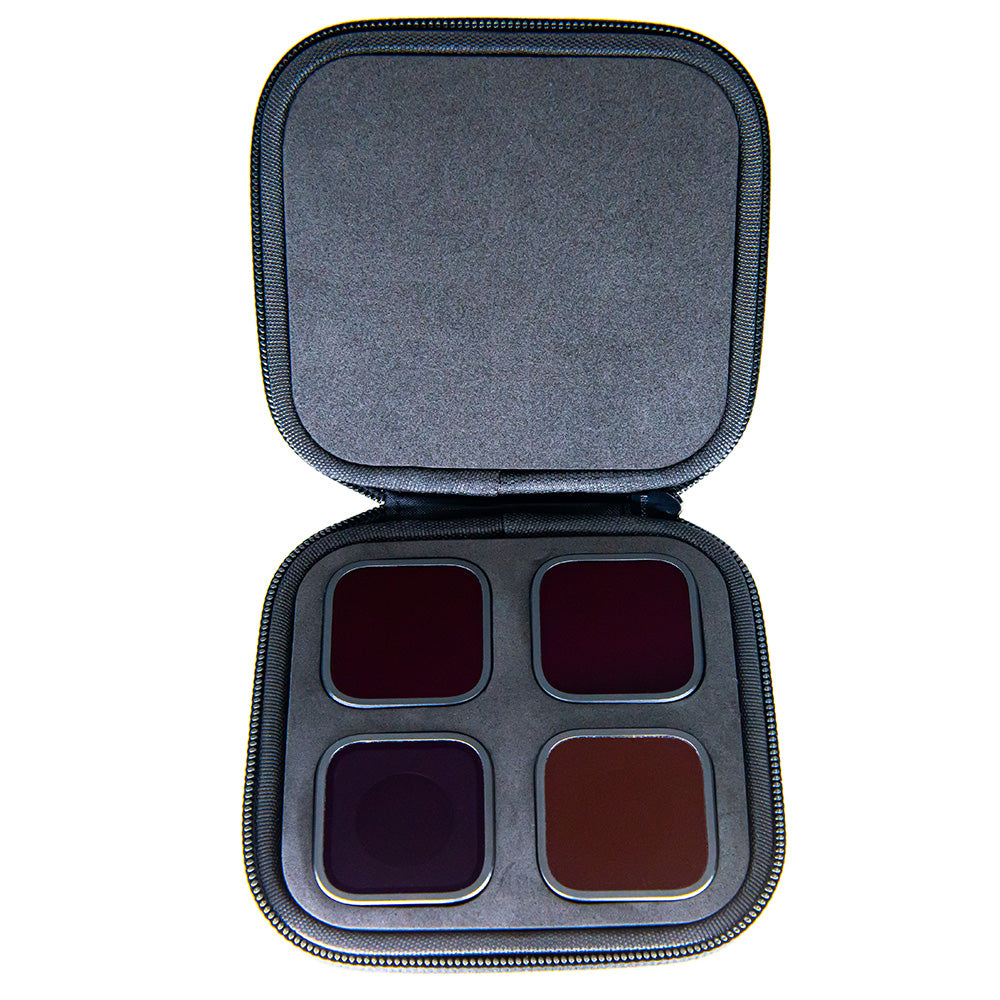
Premium ND8, ND16, ND32 and ND64 filters made specifically for the GoPro Mission 1 and Mission 1 Pro. They twist-lock on and off without tools, replacing the original clear lens cover, while maintaining the camera's waterproof seal.
Mission 1 / Mission 1 Pro Automatic Lens Detection
Your GoPro recognizes the filter. Camera Butter Mission 1 / Mission 1 Pro filters work with GoPro's automatic lens detection system, so the camera knows whether an ND8, ND16, ND32 or ND64 filter is installed.
With automatic Motion Blur enabled, the camera adjusts shutter speed based on the detected filter and tells you when a stronger or weaker ND would be a better choice.

Cinema-Grade Optical Quality
These filters use our Black Diamond glass, made from 2mm Corning Gorilla Glass, with premium optical coatings for neutral colour and consistent, cinema-grade results. See how we measure ND filter quality.
Made for Action
The only GoPro ND filters made with 2mm Corning Gorilla Glass. Anodized aircraft aluminum frames also add real strength when your GoPro gets used the way it was meant to be used.
Hammer test Black Diamond glass vs competition:
Optical Coatings
The glass uses industrial-grade, heat-fused nanocoatings to reduce reflections, repel water and oil, and make fingerprints easy to wipe off.
The 4-filter multipack comes with a zippered hard shell case ($14.99 value). The 2-packs and singles come in plastic carrying cases.
Compatible with:
- GoPro Mission 1
- GoPro Mission 1 Pro
Installation Instructions:
- Remove the existing lens cover by twisting it counterclockwise 45 degrees.
- Place the Camera Butter ND filter on the camera with the Camera Butter logo pointing 45 degrees counterclockwise.
- Twist the filter clockwise 45 degrees until it is square on the GoPro.
- Make sure the filter is seated correctly and flush with the camera. If it is crooked or can be removed easily, remove it and re-install.
For help choosing an ND strength and setting up automatic or manual shutter control, read our GoPro Mission 1 / Mission 1 Pro ND Filter Guide.
Looking for more than ND? Our Mission 1 58mm adapter adds support for close-focus and other standard 58mm filters.